During the process of adding a ski pass, you will be asked to add your ski pass number.
On this screen, you will find the NFC function which can be used in case you are using a keycard which has an integrated chip.
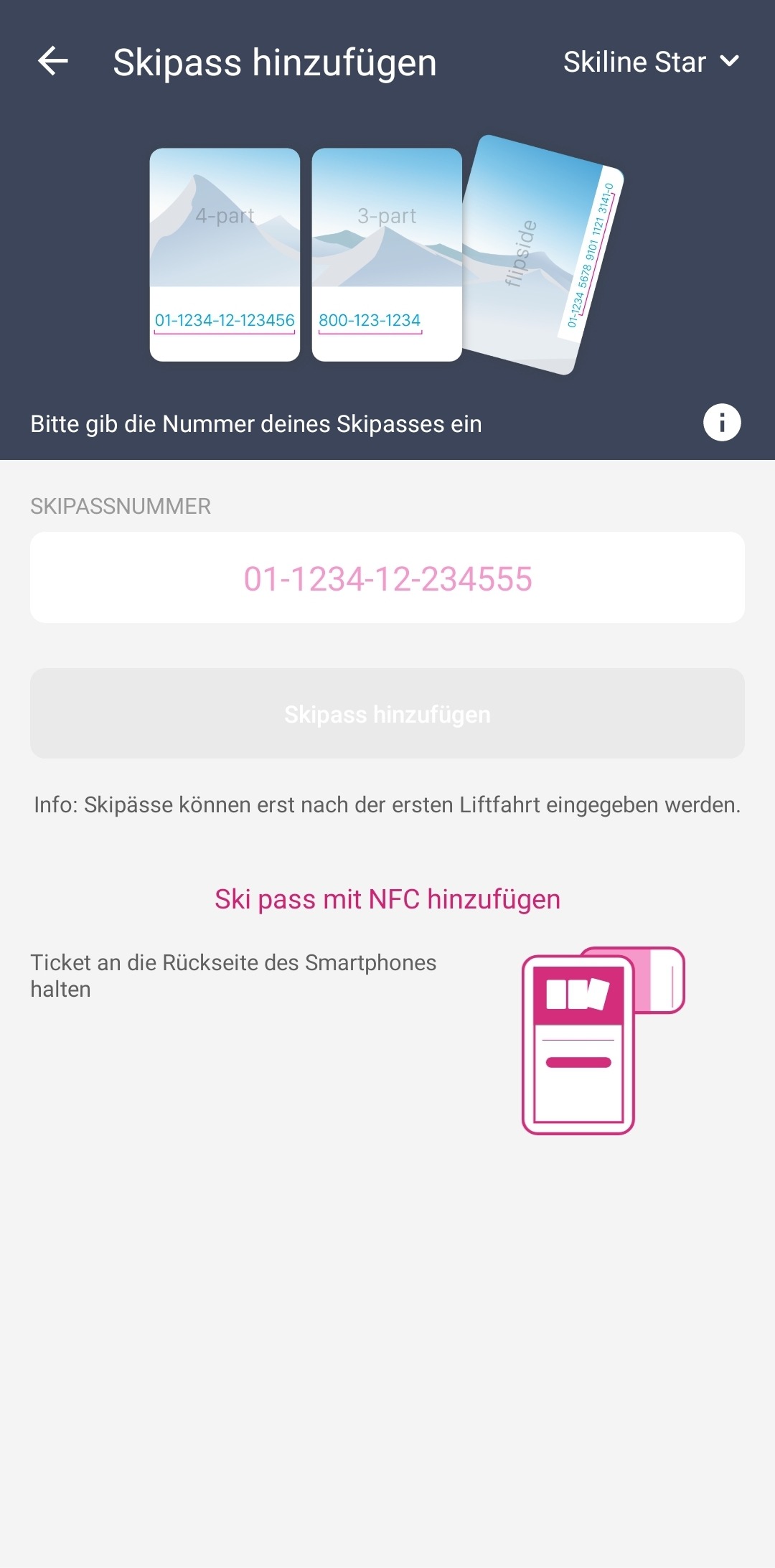
NFC is already activated
- Place your ticket on the backside of your smartphone
- Ski pass number (in this case chip-id) is read automatically and added to your screen
- Proceed with the process of adding a ski pass according to the screen
NFC is not activated yet
- Click on the "Add ski pass with NFC" link
- You will be forwarded to your smartphone settings where you have to activate NFC
- Return to the Skiline App
- Place your ticket on the backside of your smartphone
- Ski pass number (in this case chip-id) is read automatically and added to your screen
- Proceed with the process of adding a ski pass according to the screen